
Three layers of hours
Salon opening hours, each stylist's weekly availability, and their one-off time off.
Logins, not a shared password
Invite staff by email. Each has their own account, with owner-level access kept separate.
Clients keep their stylist
A preferred stylist on the record, and messages about them go to that person first.
Separate books that still add up
Each stylist has their own weekly availability and their own time off, and services are assigned to the people who actually perform them. A slot is only offered when the salon is open, that stylist is working, and they do that service.
The result is one calendar you can look at as a whole, built from books that don't have to agree with each other.
- Per-stylist availability and time off
- Services assigned per stylist
- Clients choose who they see, or leave it open
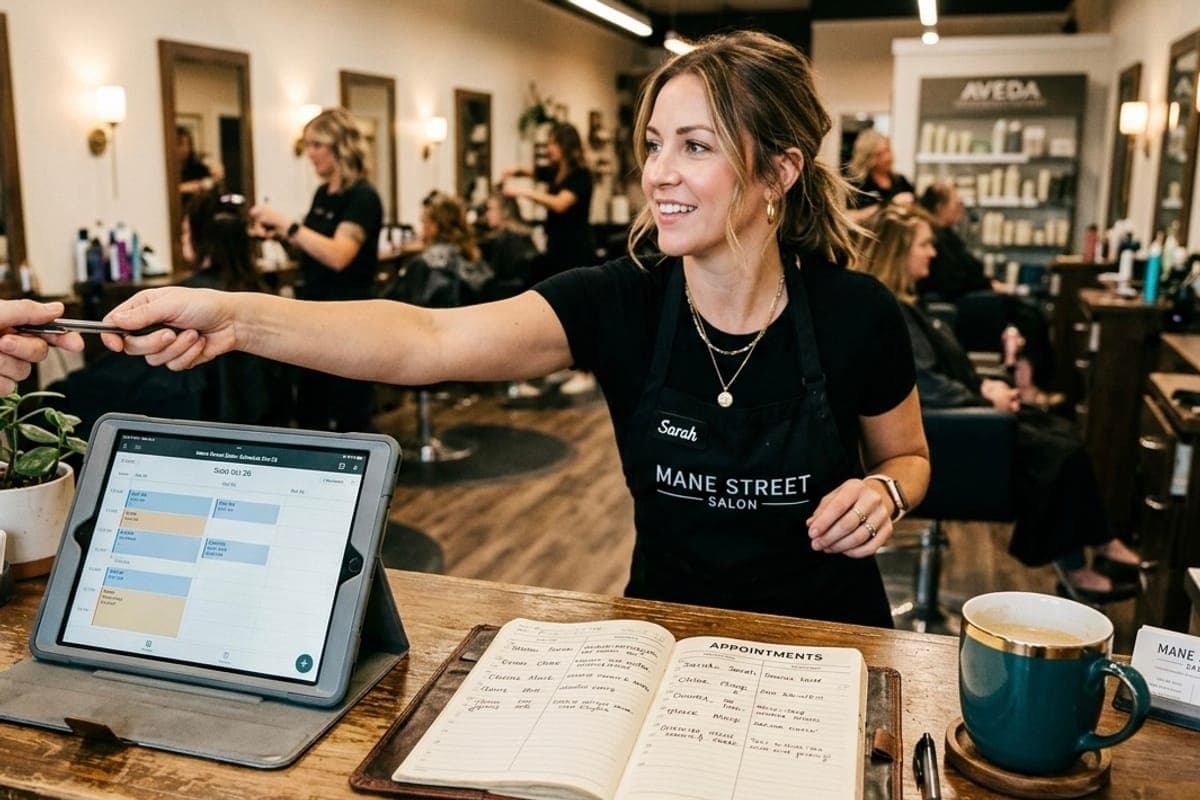
A column each, one day
Every stylist's book side by side, with the day's total at the top. Their hours, their time off and the services they actually perform all decide what can land in their column.

Running it with other people
Invite by email
New staff set their own password from an invite. There is no shared login and no self-signup.
Owner-level is separate
Settings that affect the whole business — payments, policies, staff — sit above day-to-day access.
Messages find the right person
A client with a preferred stylist has their messages notified to that stylist, not to everyone.
One till
Whoever checks a client out uses the same checkout, and it all lands in one ledger.
One salon-wide rule, overridden where it matters
Deposits, booking guarantees and reminder lead times are set once for the salon and inherited by everything under it. Where a specific service needs something different — the colour that takes a deposit, the consultation that isn't bookable online — it overrides the salon setting rather than forcing you to configure each one.
That inheritance is the difference between setting up a five-stylist salon in an afternoon and setting up five separate businesses.
- Salon default, service override, option override
- Reminder lead times set once for everyone
- Branding and policy written once for the business

Questions
- How do staff get accounts?
- You invite them by email and they set their own password. There's no self-signup, so nobody joins your salon without you adding them.
- Does Inchair handle commission, booth rent or payroll?
- No. There's no commission split, payroll or booth-rent accounting in Inchair today.
- Can a stylist only see their own clients?
- Not today. Staff accounts see the salon's clients. Access is scoped to the salon rather than to the individual stylist.
- Can two stylists be booked at the same time?
- Yes. Availability is per stylist, so the salon's calendar holds as many concurrent appointments as you have people working.
- Can a client always see the same stylist?
- Yes. A client can have a preferred stylist on their record, and can choose them at booking.
Set your booking page up in an afternoon.
Bring your clients across, take your first deposit, and stop answering booking messages on your day off.
Get startedFree import from your old app